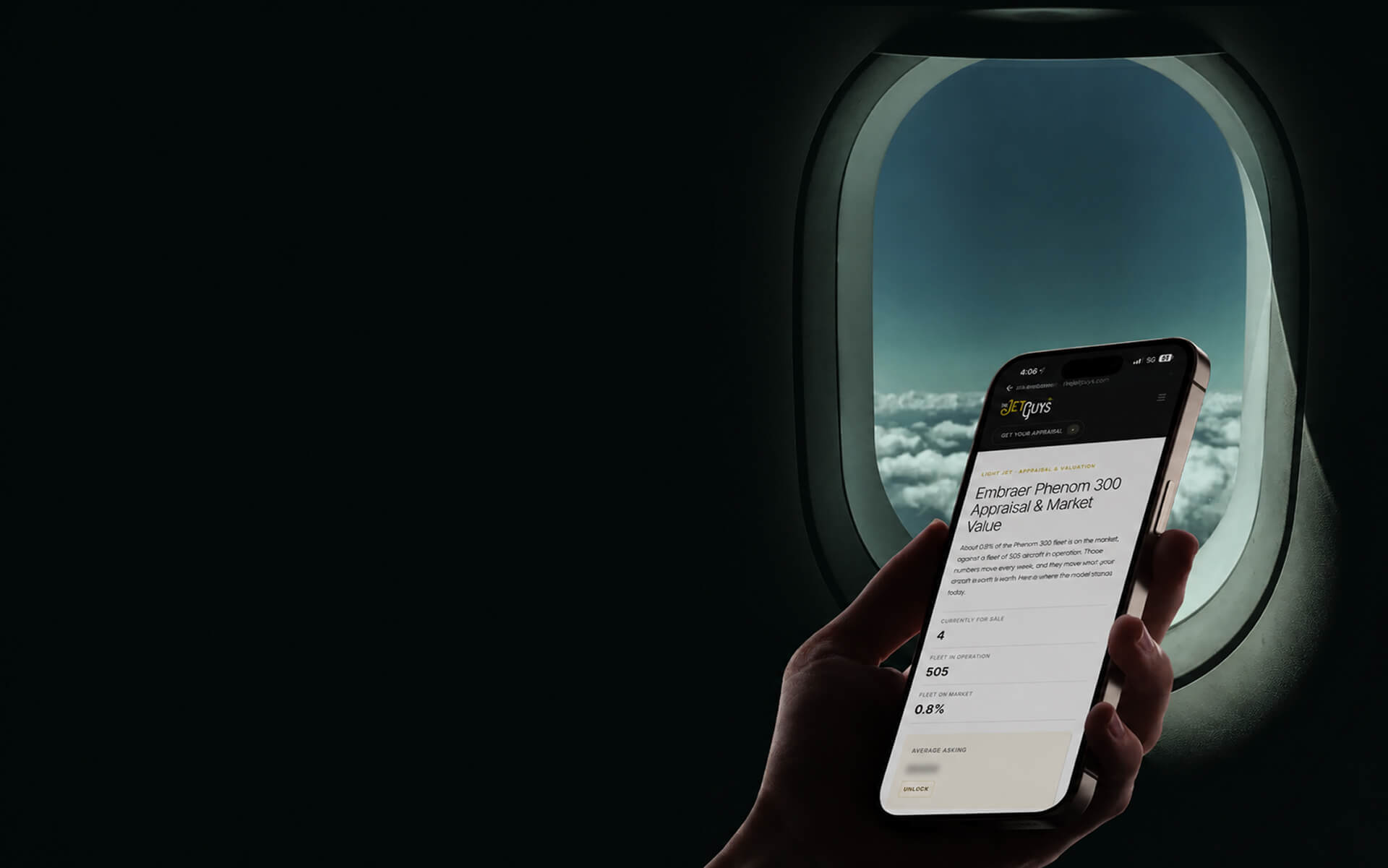



Empty legs are the only reason a charter client visits your website twice. Everything else on a private aviation site is read once and remembered. Empty legs change daily, they're perishable, and they reward the client who checks back — which makes them the single most underused asset in private aviation web design. Most operators bury them in a static banner. The ones who treat them as a live product turn a one-time visit into a weekly habit.
We're beterdesign, a private aviation web design agency, and we've built empty-legs programs into sites for operators and clubs including Reliance Jets and FLY1200. Here is how to present them so they do real work.
Why empty legs are your most underused asset
An empty leg is a repositioning flight — the aircraft has to fly somewhere with no passengers, so the operator sells it at a steep discount. For the client, it's one of the only genuine bargains in private aviation. For the operator, it's revenue on a flight that was leaving anyway.
But the real value online is different. Every other page on your site is static — the fleet doesn't change, the about page doesn't change. Empty legs do. That makes them the one thing that gives a client a reason to return without you sending an email. In a category where repeat visits are rare and hard-won, that's worth more than another hero animation.
The mistake: the "up to 75% off" banner
Here's the contrarian part. Most operators treat empty legs as a marketing headline — a banner that says "empty legs up to 75% off" linking to a contact form, or a stale PDF updated once a month. That's the worst of both worlds. It promises a deal and delivers a dead end.
Our opinion: a static empty-legs page is a missed lead every single week. If a client can't see a real route, a real date, and a real price, the banner is just noise. Worse, it trains people that your empty-legs page is never worth checking — so they stop. The headline creates the expectation; the dead end destroys the habit.
How to present empty legs that convert
Every item here has an opinion, because the difference between an empty-legs page that works and one that doesn't is in the details.
1. Make it a live, updated feed. Empty legs must reflect real availability, ideally tied to your operations, not a page someone edits by hand once a month. If it's stale, it's dead. A live feed is the whole point — it's the reason the page earns repeat visits.
2. Show the real details, not a teaser. Route, date, aircraft type, seats, and price. A client scanning empty legs is making a fast, opportunistic decision. Hiding the price behind "inquire for details" kills the impulse that makes empty legs sell in the first place.
3. One-click inquiry per leg. Each listed leg should have its own inquiry tied to that specific flight — not a generic contact form. The client saw KTEB to KMIA on the 14th; the inquiry should already know that. Every extra step between seeing the deal and asking for it loses conversions.
4. Let people filter. By departure region, by date, by aircraft. A client thinks "anything out of the Northeast this weekend." A filter that matches how they think turns browsing into a booking. A long unsorted list turns it into a bounce.
5. Give them a reason to come back automatically. Add an alert signup — "tell me when an empty leg matches my route." Now the perishable inventory works for you even when the client isn't on the site, and you've captured a lead who told you exactly what they want. This is also, quietly, one of the best lead-capture tools in private aviation.
Where empty legs belong on the site
Placement matters as much as presentation. An empty-legs feed should be reachable from the main navigation, not hidden three clicks deep, and the homepage should tease the freshest one or two legs with a link to the full feed. The client who lands on your site with no specific trip in mind is exactly the one an empty leg converts — but only if they can find it.
Our opinion: on a charter operator's site, empty legs deserve the same prominence as the fleet. The fleet answers "can you fly me." Empty legs answer "is there a deal right now." Both are reasons to inquire, and burying either one is a decision to convert less. On a membership site, empty legs belong next to the join flow, because they are the clearest proof the membership pays for itself.
Why this drives the business, not just the page
Presented properly, empty legs do three things at once. They give price-aware clients a reason to book with you who never would have paid full charter. They create the repeat visits that make a site feel alive. And through alerts, they build a list of qualified leads sorted by exactly the route and cabin they want.
When we built the empty-legs program into the Reliance Jets site, that was the goal — not a discount banner, but a live feature that gives the site a pulse. It's the same reason a membership club like FLY1200 leans on empty legs: they're proof the membership pays off, updated in real time. We covered that side in what a private jet membership website needs.
If your empty-legs page is a static banner today, that's the fastest upgrade on your site — and it's one of the five things we flag in the signs a private aviation website is costing you clients.
Frequently asked questions
How should empty legs be displayed on a private aviation website?
As a live, filterable feed showing real routes, dates, aircraft, and price, with a one-click inquiry tied to each specific leg. A static "up to 75% off" banner or a monthly PDF does not convert, because empty legs are perishable and opportunistic — the client needs real details in the moment.
Why are empty legs good for a charter website?
They change constantly, so they give clients a reason to return to your site weekly — something no static page can do. They also convert price-aware clients who would not book a full charter, and an alert signup turns them into a lead-capture tool sorted by route and cabin.
Should empty-leg prices be shown publicly?
Yes. Hiding the price behind an inquiry kills the impulse that makes empty legs sell. Clients scanning empty legs are making fast decisions; showing the real price is what turns a browse into a booking.
Who builds empty-legs features for private aviation websites?
beterdesign builds fleet and empty-legs programs into private aviation sites, including Reliance Jets and FLY1200, several in partnership with N5 Marketing Inc. We treat empty legs as a live product, not a marketing banner.
If your empty legs live in a banner or a PDF, you're leaving both bookings and leads on the table. Make them a live feature and the page starts earning its place.

.svg)